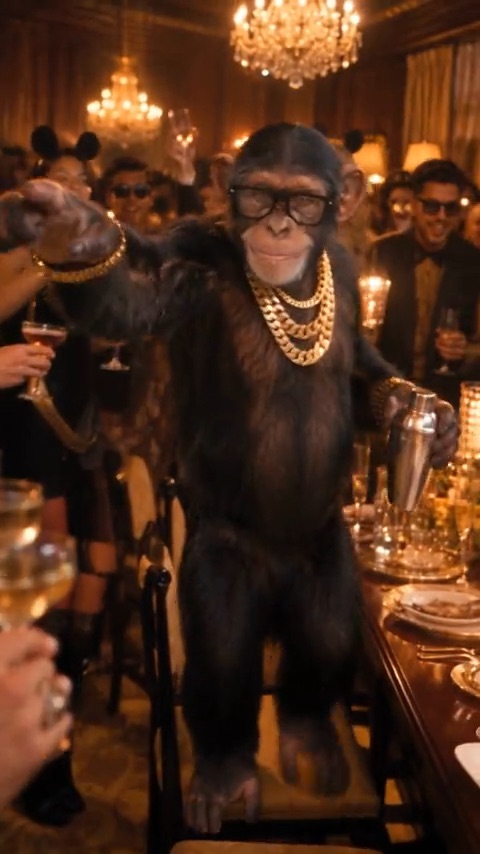
0–2s
Entrance
The guest steps into the warm pool of light.
Chandelier party · 20s vertical
Burning Bridges AI drops you into the guest spot under the lights. The room and the moves stay. Your face takes the frame. No camera crew.

Your clip
One photo in. A 20-second vertical out.
Preview only. This button does not render, sign you in, or charge a card.
One sample clip, start to finish. Vertical, silent, ready for a track of your own.
Sample clip · 20s · 9:16 · silent
The same party, timed out. Each frame below is taken from the sample clip above.
0–2s
The guest steps into the warm pool of light.
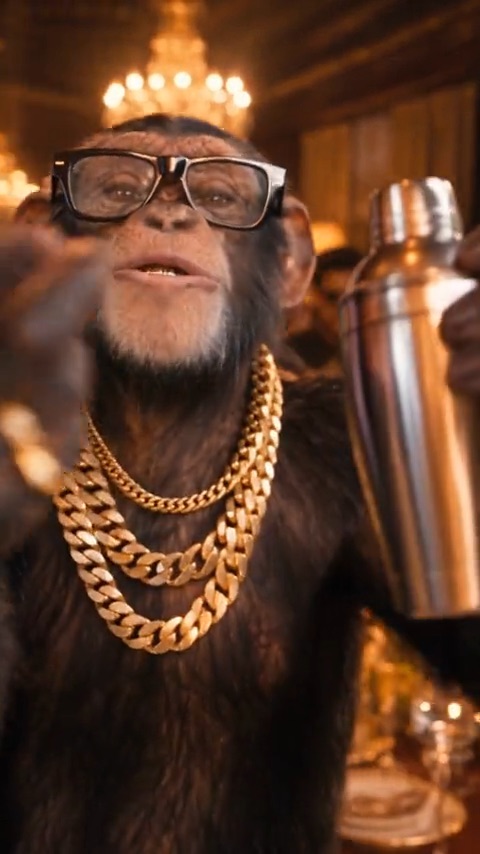
2–6s
A grin catches the chandelier and holds.
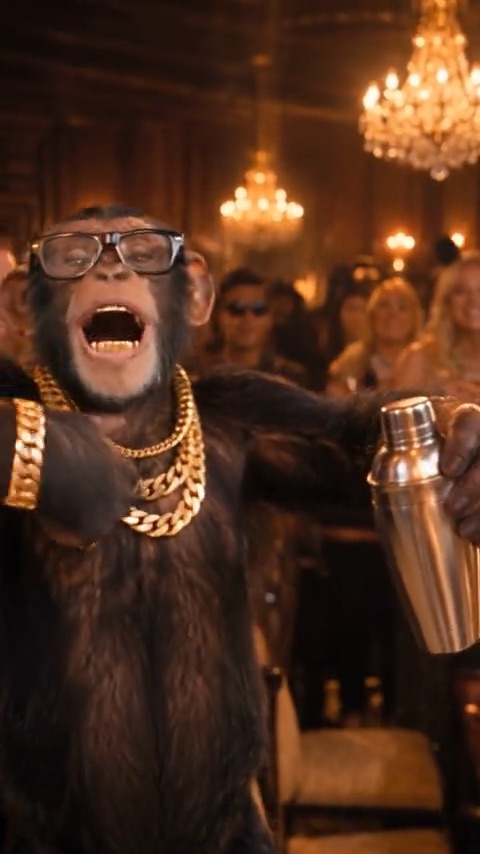
6–15s
The room moves. The camera stays with the guest.
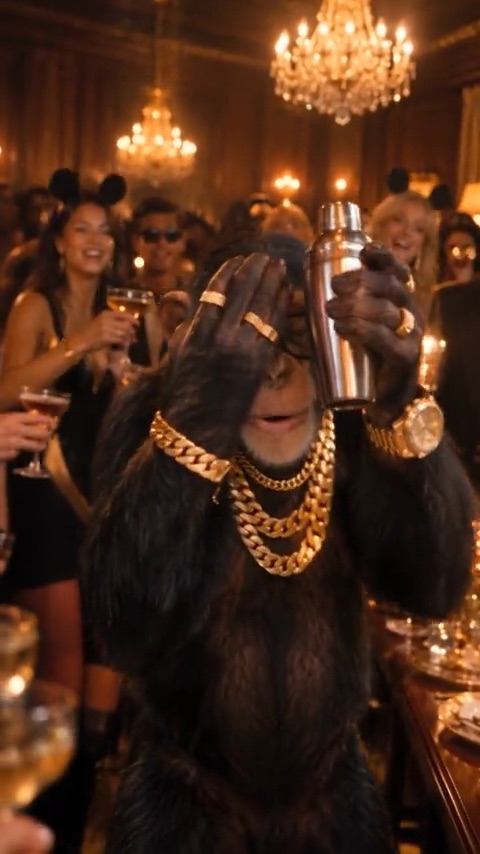
15–20s
A look across the party, the gesture this trend is known for.
Head to about the waist, facing the camera. That still is the only input.
580p spends 100 credits. 720p spends 300. The motion is the same length either way.
You get a silent vertical file. Add a track you have the right to use when you publish.
Buy a credit pack once. Spend it on a Standard or HD render when the studio opens. Nothing renews.
$6.90
100 credits
1 Standard clip
$9.90
300 credits
1 HD clip, or 3 Standard
$29.90
900 credits
3 HD clips, or 9 Standard
$49.90
1,800 credits
6 HD clips, or 18 Standard
Standard 580p uses 100 credits per clip. HD 720p uses 300 credits per clip. Credits last 12 months from purchase and stack if you buy another pack. Prices are in USD. The buttons above do not start a payment.
Short version of how the clip, the credits, and the unofficial status work.
A 20-second vertical clip. Your photo supplies the person — face, hair, and clothes — and a fixed party scene supplies the room, the lights, the camera, and the motion.
Choose a photo, select a quality tier, then press generate. On this preview the control is visible so you can see the studio. Rendering itself opens later.
The file is always 20 seconds. Once rendering is live, a job usually finishes in a few minutes, and you will not have to keep the tab in front.
One person, from the head to about the waist, in even light, with the face unobstructed. Use a file at least 341 pixels on the short side.
Standard 580p spends 100 credits. HD 720p spends 300 credits. Credits come from one-time packs. There is no monthly plan.
Same 20-second motion. Standard is 580p and is the lighter first try. HD is 720p and costs three times the credits.
No. The clip is silent on purpose. If you add music on TikTok, Instagram, or anywhere else, use a source you are allowed to use.
The model keeps the room, lighting, camera, and choreography, and recasts the guest with the person in your photo. It does not invent a new location.
When generation is live, finished clips stay available for 14 days and uploaded photos are removed within about 24 hours. This preview does not upload anything.
No. Burning Bridges AI is an independent fan tool. It is not affiliated with Drake, his collaborators, or any label or publisher. Do not upload a celebrity, a child, or anyone who did not agree.
The studio is on the page. Rendering opens soon — the button will say so until then.
Open the studio